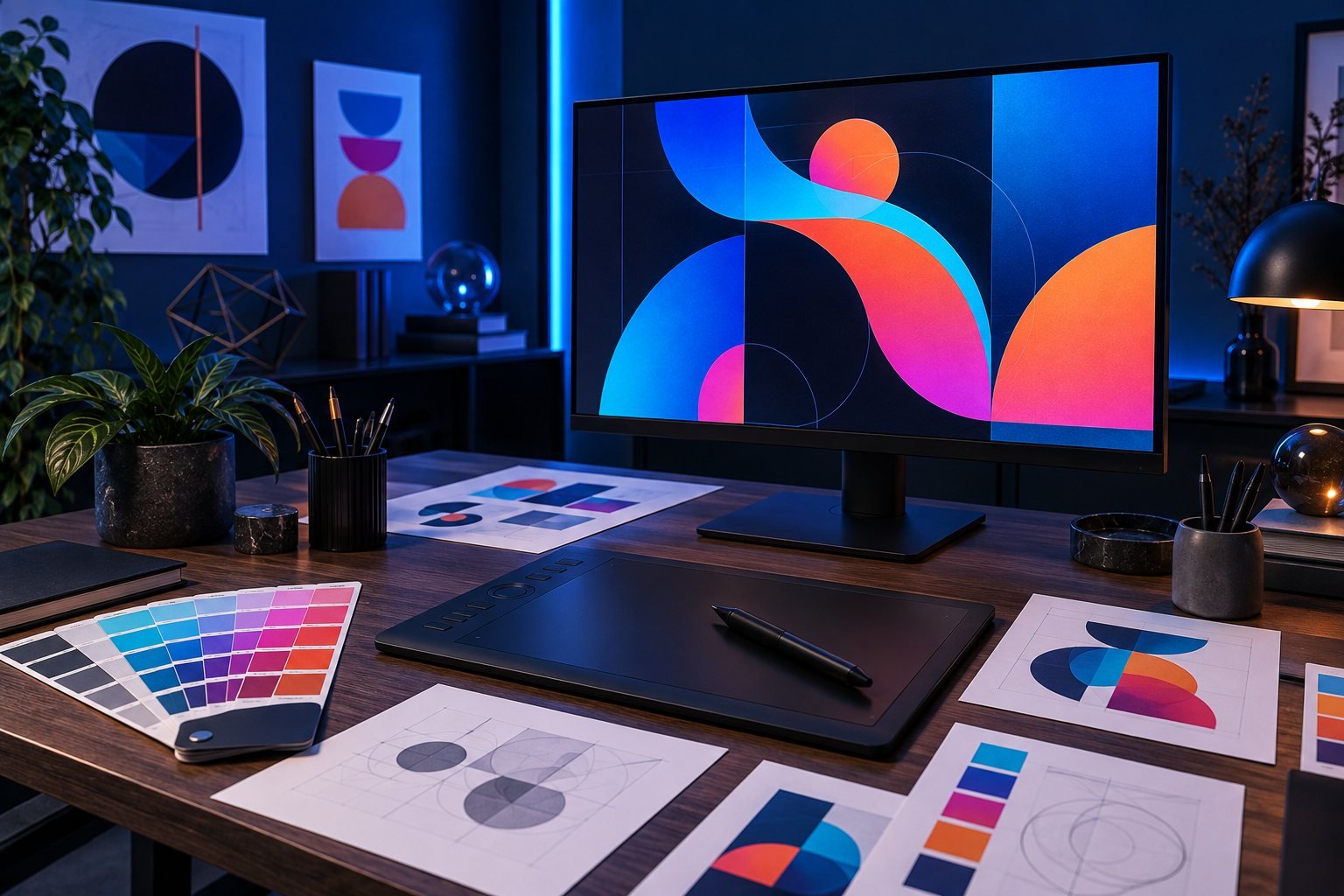
GRAPHIC DESIGNING / 3-MONTH ONLINE COURSE
Give your ideas
a visual voice.
A structured, practical 3-month course with 12 planned teaching weeks. Learn through demonstrations, guided practice, weekly assignments and a final project.
3 classes per week · 2 hours per class
Teaching plan: 12 weeks × 3 classes × 2 hours = 72 live hours. Calendar dates and holiday adjustments are confirmed in the batch timetable. Independent practice is additional.
YOUR LEARNING OUTCOMES
Build skills you can put to work.
WHO THIS IS FOR
Start with curiosity.
Progress through practice.
Students, aspiring designers, content creators and entrepreneurs interested in visual communication.
Your starting point
- Basic computer and file-management skills
- No previous design experience required
- Willingness to sketch, revise and explain choices
- Use your own or appropriately licensed images and fonts
TOOLS & SETUP
Be ready for the first class.
A laptop or desktop capable of running the selected design tools, internet and a mouse. Photoshop and Illustrator are the planned teaching tools; licensing and device requirements must be confirmed before enrolment. Software subscriptions are not stated as included.
Recommended independent practice: 3–5 hours per week, in addition to live classes.
THE COMPLETE STUDY PLAN
12 weeks.
A practical path forward.
Each week contains three instructor-led classes and an independent deliverable. Open a module to see the class-by-class plan.
Week 1: Design foundations & visual thinking
WEEK 1 · CLASSES 1–3 · 6 LIVE HOURS
- Class 1Briefs, audience, hierarchy and composition
- Class 2Alignment, proximity, contrast and negative space
- Class 3Moodboards, sketching and constructive critique
Practice & deliverable: Design a simple event poster from a brief.
Week 2: Colour, typography & layout
WEEK 2 · CLASSES 4–6 · 6 LIVE HOURS
- Class 4Colour relationships, contrast and accessible combinations
- Class 5Typeface pairing, scale, spacing and readability
- Class 6Grid systems and layout critique workshop
Practice & deliverable: Create a typography-led poster and style sheet.
Week 3: Photoshop essentials
WEEK 3 · CLASSES 7–9 · 6 LIVE HOURS
- Class 7Workspace, file types, resolution, layers and selections
- Class 8Masks, adjustment layers and non-destructive editing
- Class 9Cropping, retouching and export practice
Practice & deliverable: Produce a clean product-image editing set.
Week 4: Compositing & digital campaigns
WEEK 4 · CLASSES 10–12 · 6 LIVE HOURS
- Class 10Selection refinement and believable image combinations
- Class 11Smart objects, blend modes and consistent treatment
- Class 12Social-post dimensions, variants and midpoint critique
Practice & deliverable: Create a coordinated three-post social campaign.
Week 5: Illustrator & vector foundations
WEEK 5 · CLASSES 13–15 · 6 LIVE HOURS
- Class 13Artboards, shapes, fills, strokes and alignment
- Class 14Pen tool, paths, curves and shape construction
- Class 15Vector typography, clipping masks and clean exports
Practice & deliverable: Build a small, consistent vector icon set.
Week 6: Logo design & identity exploration
WEEK 6 · CLASSES 16–18 · 6 LIVE HOURS
- Class 16Research, concept sketches and originality checks
- Class 17Develop vector logo concepts and test small-size clarity
- Class 18Monochrome versions, clear space and feedback
Practice & deliverable: Present a logo concept with justified design choices.
Week 7: Brand systems & consistency
WEEK 7 · CLASSES 19–21 · 6 LIVE HOURS
- Class 19Colour palettes, type systems and brand personality
- Class 20Logo lockups, stationery and consistent asset application
- Class 21Mini brand-guide assembly and critique
Practice & deliverable: Build a brand kit and business card.
Week 8: Print & editorial layout
WEEK 8 · CLASSES 22–24 · 6 LIVE HOURS
- Class 22RGB/CMYK concepts, bleed, trim and safe margins
- Class 23Flyer/brochure hierarchy and multi-artboard layout
- Class 24PDF export, image quality and preflight checks
Practice & deliverable: Deliver a print-ready promotional piece.
Week 9: Marketing design & campaign adaptation
WEEK 9 · CLASSES 25–27 · 6 LIVE HOURS
- Class 25Translate a marketing brief into a visual direction
- Class 26Adapt designs across social formats and banners
- Class 27Mockup presentation and visual quality review
Practice & deliverable: Create a cross-format campaign asset set.
Week 10: Client workflow & portfolio storytelling
WEEK 10 · CLASSES 28–30 · 6 LIVE HOURS
- Class 28Scope, references, file naming and version control
- Class 29Feedback interpretation and revision discipline
- Class 30Write concise project narratives and assemble case studies
Practice & deliverable: Complete a portfolio draft with process evidence.
Week 11: Capstone production studio
WEEK 11 · CLASSES 31–33 · 6 LIVE HOURS
- Class 31Approve a fictional brand brief and concept direction
- Class 32Produce identity, print and social deliverables
- Class 33Critique consistency, legibility and export quality
Practice & deliverable: Submit a complete launch-campaign draft.
Week 12: Refinement, handoff & final presentation
WEEK 12 · CLASSES 34–36 · 6 LIVE HOURS
- Class 34Revise capstone work from structured feedback
- Class 35Package editable sources, licensed assets and exports
- Class 36Present the portfolio and explain design decisions
Practice & deliverable: Deliver the Brand Identity & Launch Campaign.
THE FINAL CAPSTONE
Brand Identity & Launch Campaign
Develop a fictional small-business identity: a logo system, colour/type guide, business card, promotional poster and coordinated social campaign. Present the brief, concept exploration, feedback and final exports.
Build progressively, review the draft and use the final week to refine, test and present your work.
What you finish with
- Editable, organised Photoshop and Illustrator files
- Logo variations and a concise brand guide
- Digital assets and a print-ready PDF with appropriate bleed
- A curated portfolio PDF with 4–6 project case studies
A working project or portfolio you can present, with the decisions and process behind it.
HOW YOU WILL LEARN
Learn. Practice.
Review. Improve.
Each 120-minute class balances concepts and demonstration (25 minutes), guided studio practice (55 minutes), a short break (10 minutes) and critique, revision or questions (30 minutes).
Weekly assignments develop independence. Keep your files organised, submit your work for review and apply feedback to the next version.
RECOMMENDED ASSESSMENT
Progress measured through your work.
Suggested weighting for this study plan; the academy confirms grading and completion requirements before the batch.
Show your progress.
Course completion certificate, recommendation letter and course/program details. Completion requirements are confirmed by the academy.
Explore your next opportunity.
Ask about relevant online internships, eligibility and availability after developing your skills.
Find the current offer.
Contact our team for fees, admission discounts and the next batch date.
BEFORE YOU JOIN
Your questions, answered.
How long is the course?
3 months, with 3 classes per week and 2 hours per class. The syllabus uses 12 teaching weeks, 36 sessions and 72 live hours. Exact dates follow the batch calendar.
Is this suitable for beginners?
Basic computer and file-management skills. No previous design experience required. Willingness to sketch, revise and explain choices. Use your own or appropriately licensed images and fonts. Share your experience with our team before enrolling.
Do I need to practise outside class?
Yes. Plan for 3–5 hours per week of independent practice. This is additional to 6 live hours per week.
Which tools will I need?
A laptop or desktop capable of running the selected design tools, internet and a mouse. Photoshop and Illustrator are the planned teaching tools; licensing and device requirements must be confirmed before enrolment. Software subscriptions are not stated as included.
What will I build?
Brand Identity & Launch Campaign. Weekly exercises prepare you for the capstone; the deliverables and class plan are listed above.
What are the fees and class timings?
Message the academy for the next batch dates, session timings, fees and available discounts.
Is a job or internship guaranteed?
No. Online internship opportunities depend on eligibility and availability. Course completion does not guarantee employment.
Official learning references
Supporting resources for further study. This is Pixora Academy’s course plan, not a claim of vendor accreditation.
Adobe design foundations ↗Adobe Illustrator learning ↗GRAPHIC DESIGNING / 3 MONTHS
Ready to start building?
Get the next batch timetable and admission details.